Merlot: Real-Time Multiplayer Tank Game
Play it now: merlot.veered.org · more games at veered.org
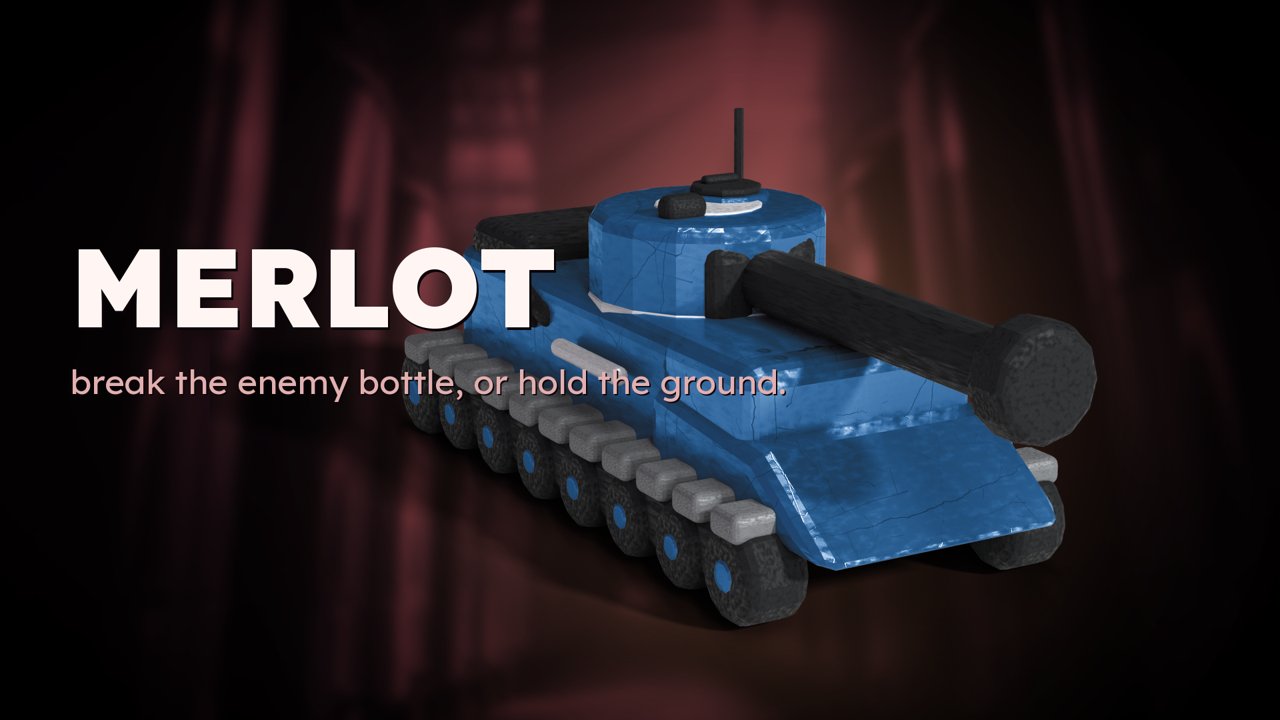
Merlot is a free real-time browser strategy game for 1 to 12 players. Two teams of wine-bottle tanks fight across a steel winery. Nothing to install, no account needed: open the link, pick a seat, and any seat nobody takes is filled by a bot.
Two houses, one cellar
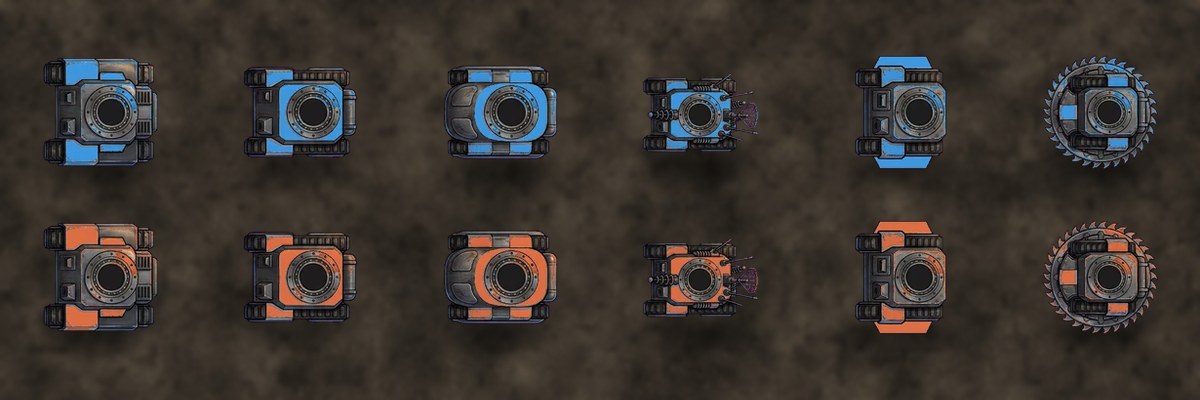
Every match is blue against orange. Each side has a base to defend, guard towers that shoot back, and waves of little minions that march out on their own.
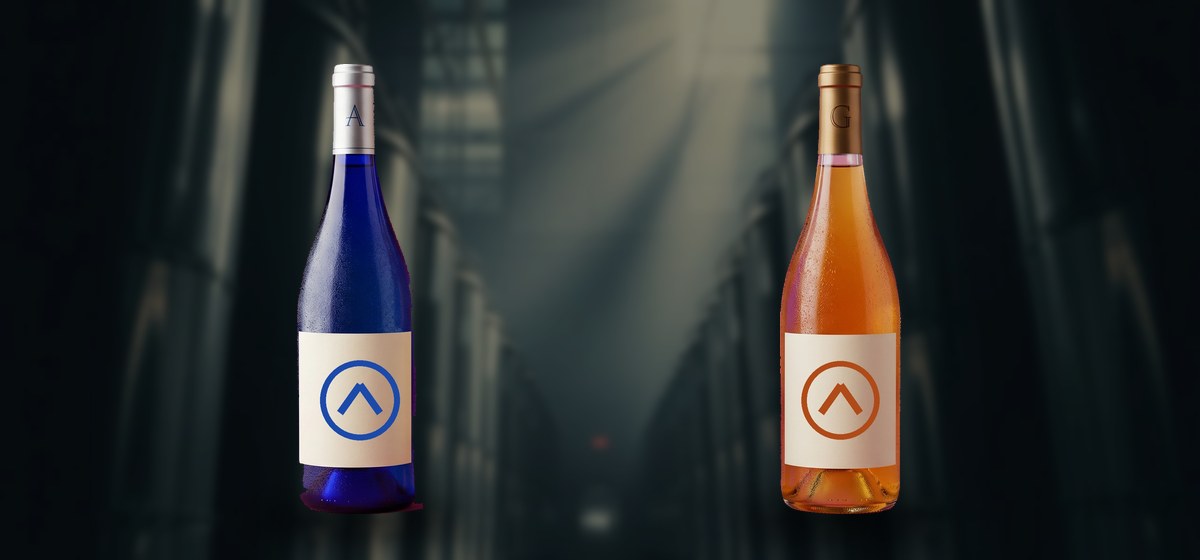
Pick a hull, then keep it alive
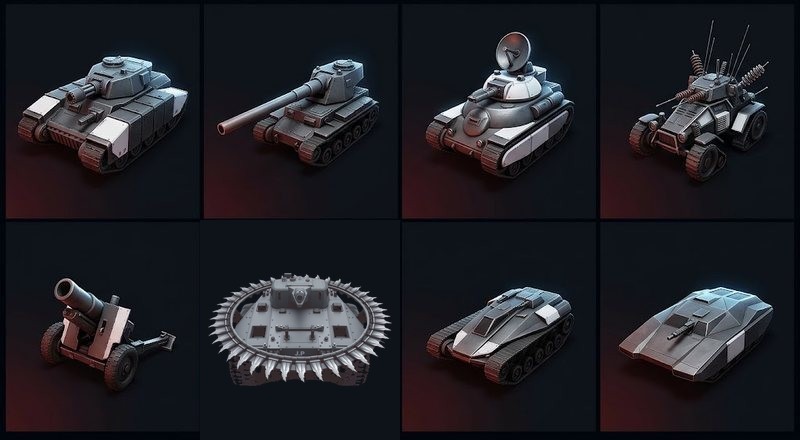
Before the fighting starts you draft a hull — the body your bottle drives. One is fast and fragile, one is a brawler, one keeps the others alive. They all handle differently, and the draft is half the game.
Kills earn you abilities and, eventually, a prestige: a rank badge, a faster reload, and a boost to every minion your side sends out afterwards. Last Call is the closing window at the end of a match, when a single good push can still take it.
Please test before relying on it
This is shared as-is, with no warranty. It works on my own computers, but your system, settings and software versions may differ, so please try it in a safe setting first. If something doesn't work, you can ask Claude (or another AI coding assistant) to look into it, and I'd appreciate hearing what you found and how you fixed it. You are also welcome to just let me know at support@veered.org, and I'll look into it.
Put your own copy on the internet
You do not have to be a programmer to do this, and it costs nothing. The whole game lives on Cloudflare, a company that will host a small site like this free, and the free allowance is far more than a game among friends will ever use.
- Get the game. Download the source (the button at the top of this page) and unzip it. You now have a folder called
merlot. - Open a free Cloudflare account. Go to dash.cloudflare.com/sign-up, enter an email address and a password, and confirm the email they send you. No card is needed for the free plan.
- Install Node.js. This is the program that does the uploading. Get it from nodejs.org — take the version it offers you — and install it like any other program.
- Open a terminal in the
merlotfolder. On Windows that is PowerShell (right-click the folder, "Open in Terminal"); on a Mac it is Terminal; on Linux you know already. - Type these two lines, pressing Enter after each and waiting for it to finish:
npm install
npx wrangler deploy
The first line collects the pieces the game needs. The second asks for your Cloudflare account: a browser window opens, you sign in and click Allow. When it finishes it prints a web address ending in workers.dev — that is your copy of the game. Send that link to anyone you want to play with.
To try it on your own computer first, without publishing anything, type npx wrangler dev instead and open http://localhost:8787 in your browser.
If any of that goes wrong, paste the error into Claude (or another AI assistant) and ask what it means — that is genuinely the fastest way through it, and it is how this game was written in the first place.
Information for nerds
- Server: a Cloudflare Worker with Durable Objects (
src/). Each match room is one Durable Object that holds the players' WebSockets and runs the simulation tick (src/game.js). The same simulation drives the bots, the replays and the tests. - Client: a single self-contained page (
public/index.html) with its art, sound effects and music inpublic/. - Art pipeline:
art/holds the Blender and Python scripts that rendered the sprites. The generated source images are not included; the finished sprites are inpublic/art/. - Bot tuning:
tune/runs self-play matches to tune the bot tiers. - Requirements: Node.js 22 or later.
- Optional settings:
cp .dev.vars.example .dev.varsfor local runs; in production the same names (operator stats key, email relay) are set withnpx wrangler secret put NAME. - Your own hostname: uncomment the
[[routes]]block inwrangler.tomland deploy again. - Tests: each file in
test/is a standalone script that exits non-zero on failure:
node test/<name>-test.mjsCredits and licenses
- Code: MIT. See LICENSE.
- Original art in
public/art: CC BY 4.0. Credit "Merlot by Veered". - Sound effects: CC0 packs from Kenney (kenney.nl). The announcer voices were synthesised. See public/sfx/README.txt.
- Music: CC0 tracks from OpenGameArt. See public/music/README.txt.
- Merlot was written with AI assistance (Claude).